The Giving Basket FAQS
When you use The Giving Basket to support causes you care about, we want you to feel confident and informed. To simplify the process and address common concerns about privacy, receipts, and dedications, we’ve pulled together answers to your most frequently asked questions about the checkout process.
Your Donations & Payment
What are my donation options?
You have two main options: you can make a one-time gift or set up stable, reliable support with a monthly recurring donation option.
Why does my receipt come from a different name?
The Charity Navigator Giving Basket is powered by our trusted partner, Give Lively. For this reason, your receipts will come directly from them.
Who keeps my payment information?
For your security, Charity Navigator does not keep or have access to your complete banking or credit card details. That sensitive payment information is securely held by our platform partner, Give Lively. Our Customer Success representatives cannot fully access this information.
When does the charity actually receive my funds?
Your donations are securely pooled and then sent to the charity 30 days after the close of the month in which the gift was made. This structured payout ensures efficiency for the nonprofits you support!
Receipts and History
Why didn't I get my receipt?
The most common reason for a missing receipt is a mistyped email address during checkout, or using a secondary email you don't check often. Please always confirm you've entered the correct email address to ensure you receive your receipt promptly.
Where can I find my past receipts?
You can access your donation records anytime by visiting the Donation History tab in your Charity Navigator account.
How do I save my donation history?
If you have a Charity Navigator account, always ensure you are logged in before completing your transaction. This guarantees the donation is immediately logged in your account history.
Giving Options and Anonymity
Can I donate anonymously?
Yes! You are completely in control of your data. During checkout, you can select which details — name, address, and/or email — to share with each organization or opt for complete anonymity.
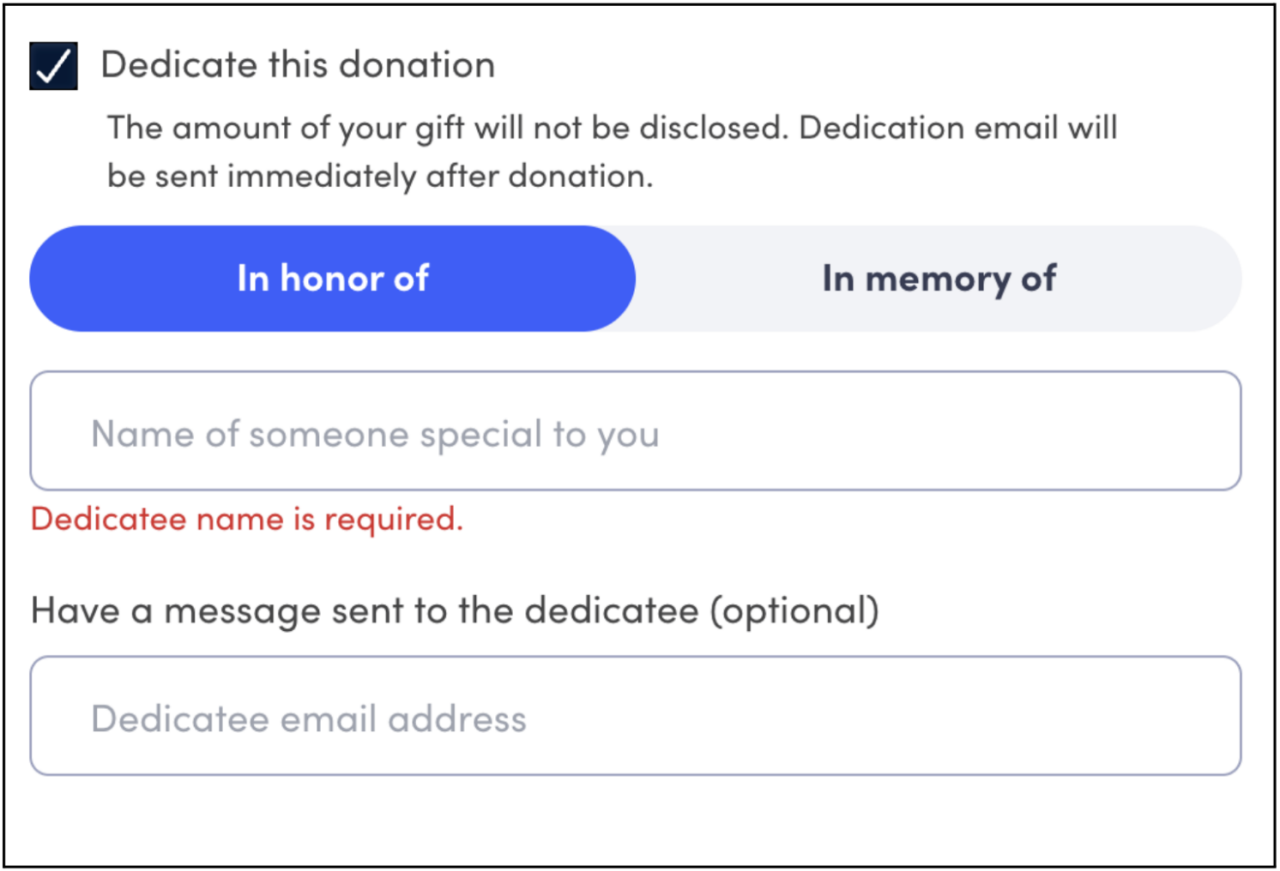
How do I dedicate a gift?
Check the box in your checkout process that says "Dedicate this donation."
Fill out the relevant information.
Check out as usual.
Please note: Immediately upon donation, an email notification is sent to the recipient, so be sure to double-check the recipient's email address and message before confirming. We cannot recall the email once it's sent.